Free
Clip your next stream, no card needed
$0forever
No card needed
- Minutes / mo
- 60·1 h
- Scan time / mo
- 2 h·6 streams
- Video length
- Up to 60 min
- Clips / video
- Up to 6
- Auto-clip
- Not included
- Watermark
- Small mark
- Files kept
- 7 days
Stream clipping for Twitch, Kick & YouTube
Paste a link. QuickClips finds the moments worth watching and cuts them vertical, with captions.
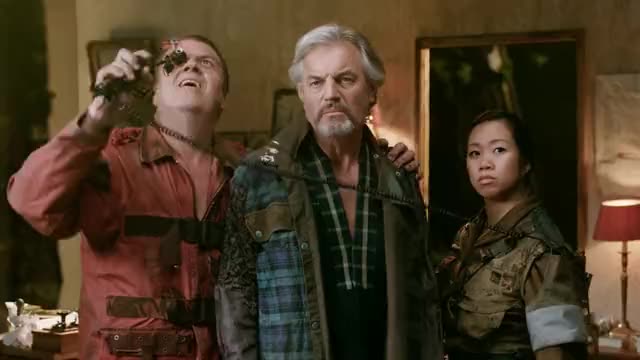
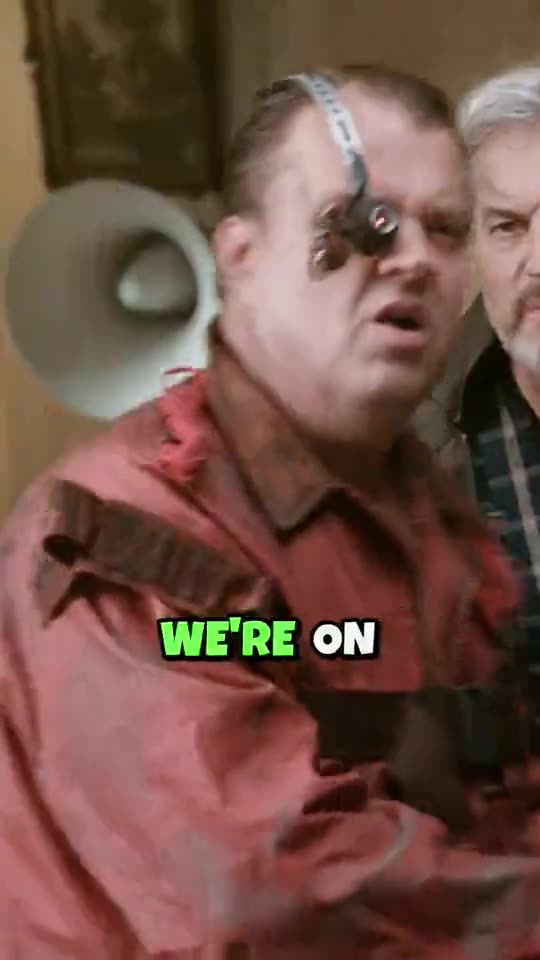
After: the clip, 9:16 · 0:07
Sample footage: Tears of Steel, Sintel (CC BY 3.0) and Cosmos Laundromat (CC BY 4.0), Blender Foundation.

AI clipping
Paste a link and the AI reads the whole video, then cuts the moments most likely to do well, each with a score and the reason it was picked.
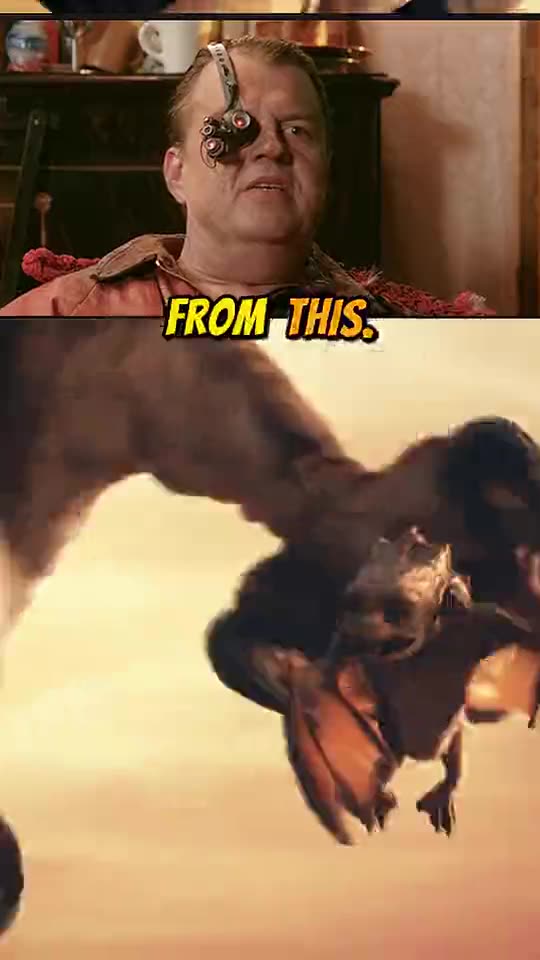
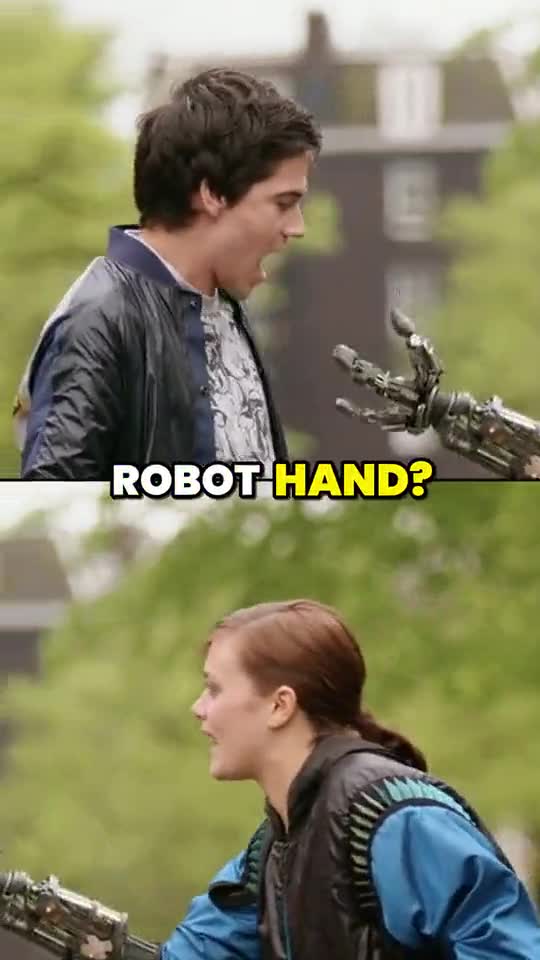


Every sample clip on this page was cut by QuickClips from open films by Blender Foundation: Tears of Steel, Sintel (CC BY 3.0) and Cosmos Laundromat (CC BY 4.0).
0:008 picked from Tears of Steel12:14
Chat spikes on Twitch and the loudest reactions on stream (laughs, screams, sudden hype) show where it popped off.
Type a name, pick the creator and switch on auto-clip.
When it ends, QuickClips finds the best moments and cuts them with your settings.
Watches YouTube and Kick
A notification tells you the moment they are done. Download them and upload anywhere.
Auto-clip is included in Creator (1 channel), Pro (10 channels) and Agency (50 channels).
Twitch link detected, ready to clip
Twitch, Kick or YouTube. Or upload a file.
The best moments, cut vertical, with captions and a title.
1080×1920 · MP4
Each clip is a 1080×1920 video with the captions burned in.
Start with no card. Failed videos refund themselves, and you can cancel in a few clicks.
Clip your next stream, no card needed
No card needed
For streamers clipping their own VODs
$180 billed once a year · save $48 (21%)
For clipping every day, at scale
$348 billed once a year · save $120 (26%)
For clip teams running many channels
$948 billed once a year · save $240 (20%)
Only clip streams and videos you own or have permission to use. Clipping someone else's content without their permission can infringe their copyright and break the rules of the platforms you post to. Many streamers run clipping programs, so check their rules, credit them, or ask first. You are responsible for what you clip and post, and we remove content when we receive a valid copyright notice.
Anywhere you like. Every clip downloads as a 1080×1920 video with the captions burned in, ready to upload to TikTok, YouTube Shorts, Instagram Reels or any other app.
Clips render at 1080×1920 for vertical video with H.264 High profile, the source frame rate up to 60 fps and loudness-normalized audio. Pro and Agency pull up to 4K sources for extra-sharp crops (YouTube links up to 1080p); Free and Creator use up to 1080p sources.
Most videos are ready in minutes, not hours. It depends on the length of the video and how busy the queue is. Clips appear one by one as they finish rendering, so you can start reviewing before the batch is done, and paid plans get priority in the queue. We'll notify you when everything is ready.
Yes. Trim the start and end, fix or hide any word in the captions, switch between 24 caption styles, change the layout or highlight color, toggle jump cuts, zooms and sound effects, then re-render in one click.
Yes. The free plan includes 60 minutes of video and 2 hours of scan time every month, and up to 6 clips per video, with no credit card required. Free clips carry a small watermark and stay downloadable for 7 days; every paid plan removes the watermark.
You get your minutes back. If processing fails, or you cancel it, before any clip is ready, the minutes go back to your balance automatically. No ticket needed.
The spoken language is detected automatically and most major languages are supported for transcription. Captions are rendered in the language that's spoken; our caption fonts look best with Latin-alphabet languages.
Yes, in a few clicks: go to Billing, open Manage subscription and cancel. No emails to send. You keep your plan until the end of the period you paid for, and you won't be charged again.
Paste a link and see the first clips in minutes. Free to start, no credit card, no editing skills.